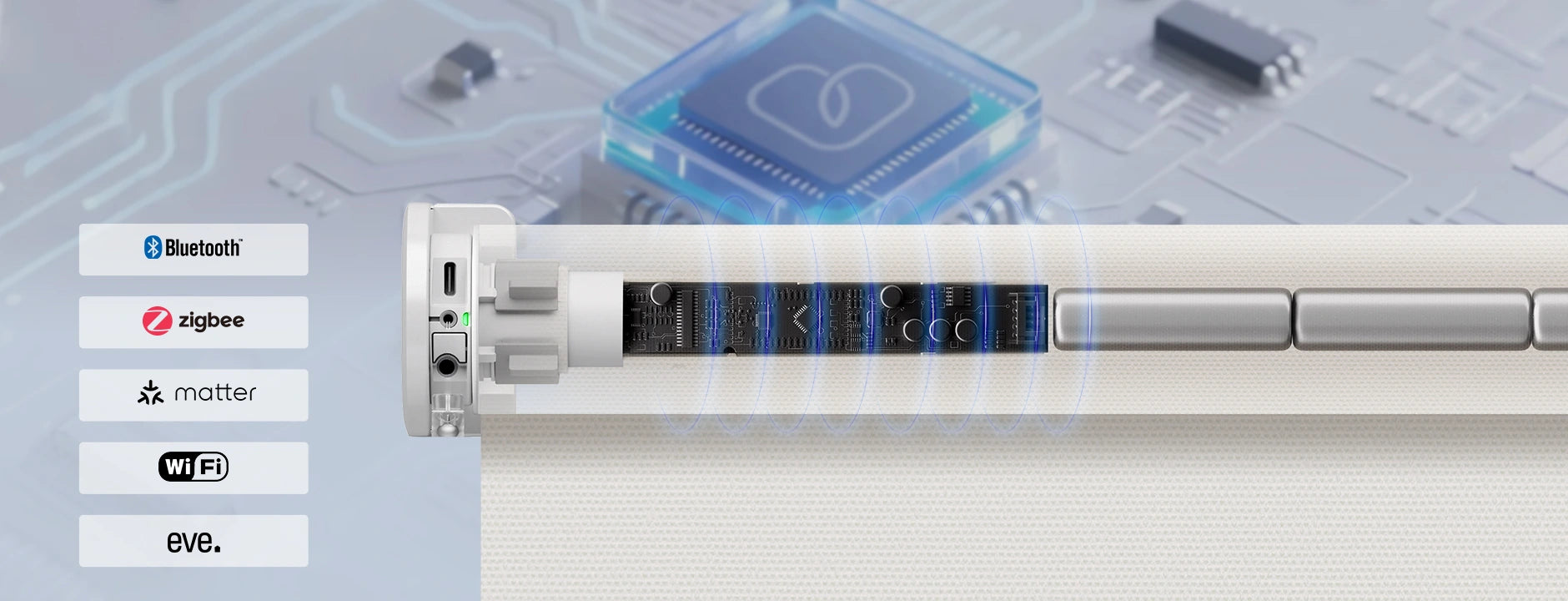
How To Choose Smart Motors

Bluetooth
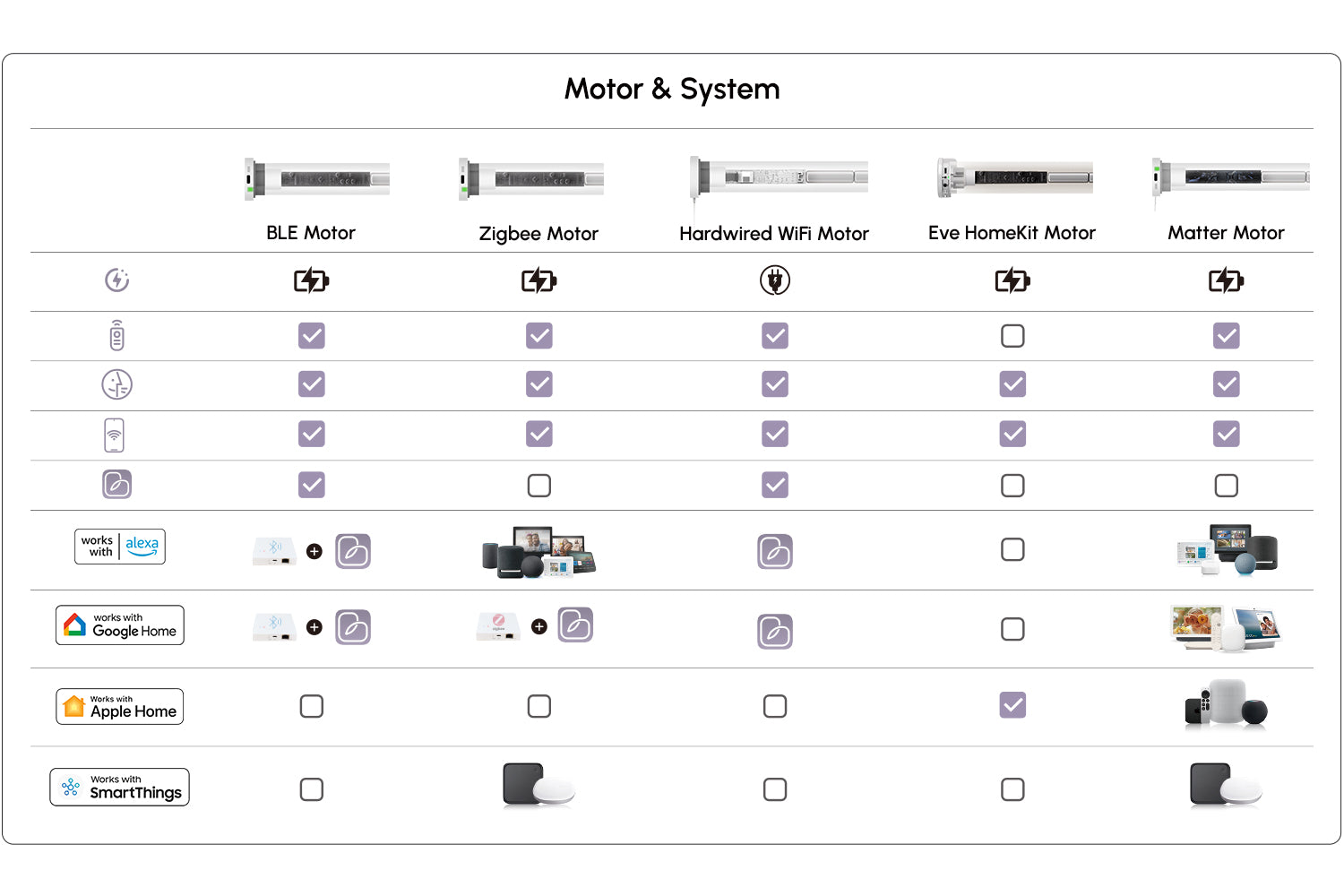
Bluetooth Motor connects directly to the Graywind App via Bluetooth within a signal range of up to 99ft/30m, no smart bridge needed. For advanced features such as group control, scheduled automation, routines, and Alexa & Google voice integration, a Bluetooth Hub is required.

Zigbee Motor
Zigbee Motor works directly with 7 Alexa devices —Echo Plus (2nd Gen), Echo Show (2nd Gen), Echo Studio, Echo (4th Gen), Echo Show 8 (3rd Gen), Echo Show 10 (3rd Gen), and Echo Hub— no smart bridge needed. For other Alexa models or Google Home integration, a Zigbee Hub is required. SmartThings Hub (V3) is needed for Samsung SmartThings.

Matter Motor
Matter Technology breaks down the barriers between smart ecosystems. Matter motor is compatible with Alexa, Google, HomeKit and SmartThings. Just make sure your smart home device has the function of both Matter Controller and Thread Border Router.

Hardwired WiFi Motor
Hardwired WiFi Motor needs to be always plugged in. Easily connect to the Graywind App for direct control, while also enjoying seamless compatibility with all Alexa and Google devices through Graywind App, no smart bridge needed.

Eve Motor
Eve HomeKit Motor is designed for Apple users, powered by Eve. Once connected, you'll enjoy app control from anywhere and seamless automation with other Apple devices, no hub needed. With a HomePod or Apple TV (4th Gen or later) as your hub, all these advanced features are fully unlocked.
How To Choose Smart Motors
Since each motor supports different communication protocols and ecosystem integrations, we made a comparison table below that summarizes the main differences between smart motors, so that you can make an informed decision at a glance.